 CraftSuiteHub
Edit a PNG in your browser: brush, export and verify the file
A no-account manual PNG workflow with a real before-and-after sample, export checks and browser privacy boundaries.
Can I make a small PNG edit without installing software?
Our manual PhotoCraft workspace lets you open a PNG, make a brush edit and download the result without signing in. Use a disposable image first. The editor loads its WebAssembly engine before it becomes usable; wait for the ready status rather than interpreting the surrounding page as a loaded canvas.
A short, verifiable workflow
- Open the workspace and load the public sample, or choose a non-sensitive PNG from your device.
- Wait until the image is visible in the canvas. Choose the brush and make a small, obvious mark.
- Use the editor's PNG export action and save the output on your device.
- Open the downloaded file in an independent image viewer. Check the mark, dimensions and any transparency your task needs.
- Reopen that downloaded copy in the editor. Keep your original until you have checked the result.
A download click is only an attempted export. The file on disk and the visible change provide better evidence that your work was delivered.
Our actual sample
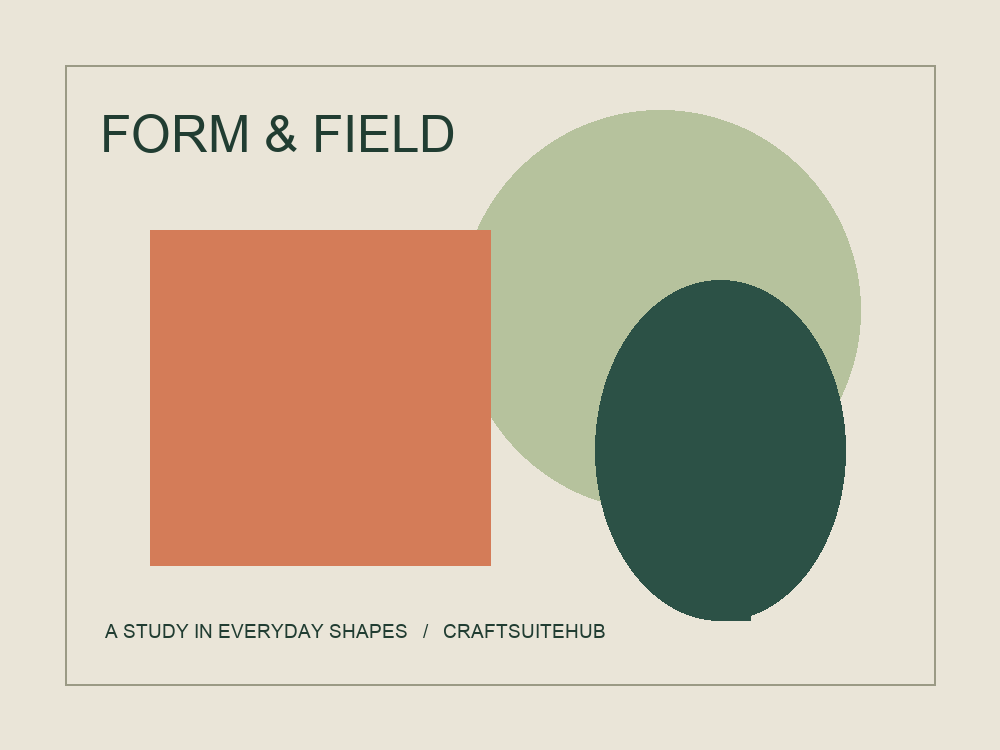
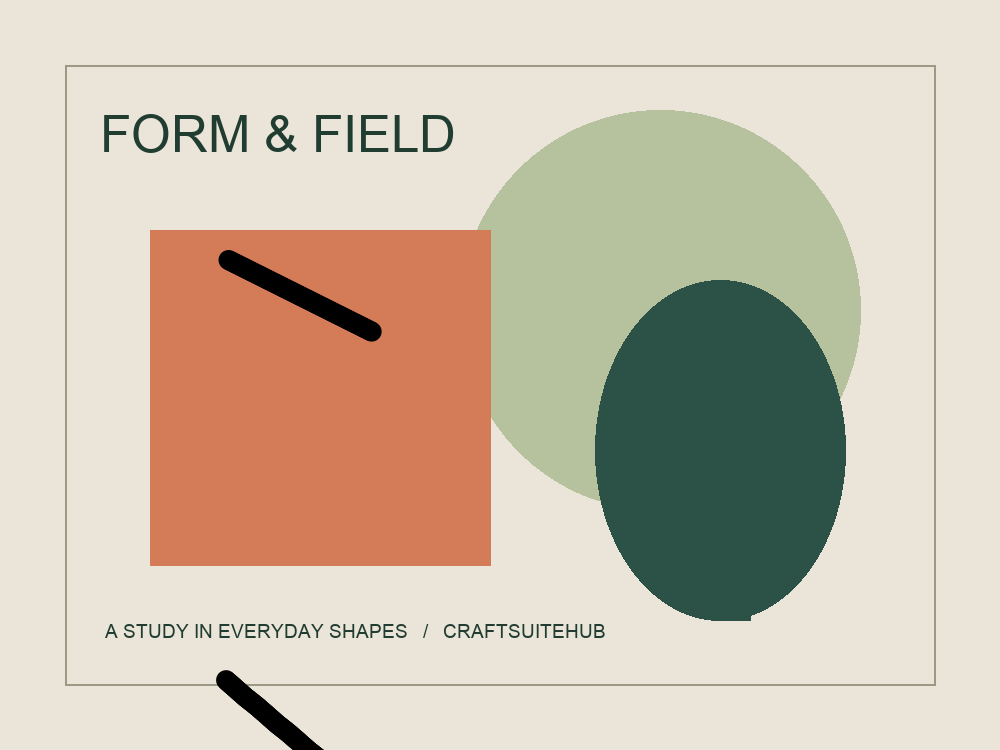
Our October 12 local test used a 1000 × 750 PNG. The brush-edited export decoded successfully, retained those dimensions and had 6,138 changed pixels compared with the original. It then reopened in the browser editor. This does not establish transparency handling or every image format.
Download original sample · Download brush-edited output
Check privacy separately from editing
The current manual workspace does not upload selected image bytes to a cloud processing service. It still loads website and engine assets over the network. Browser storage can persist editor state, so export your work explicitly and avoid relying on a tab as your only copy. Analytics and consent are explained in Privacy.
For another website, use a harmless sample and inspect its requests. A browser interface can send files to a server. Offline behavior is a useful clue, not a complete guarantee about all processing or later requests.
Alternatives and task limits
Photopea's Open and Save documentation describes opening files and exporting through its menus. It is another option to evaluate if our pinned browser build does not fit your task. Choose by a successful sample roundtrip rather than a “best editor” label.
Our current tutorial covers manual raster editing. It does not offer automatic background removal, batch cloud processing, document editing or editable vector tracing. See our review and limits or vector-versus-raster guide before choosing a more complex workflow.
Last checked: October 13, 2026. Official product claims and our observed tests are identified separately.