 CraftSuiteHub
GetArtCraft review: official claims and our PhotoCraft test
An evidence-bounded review that separates the upstream suite from our verified PNG workflow and untested features.
What this review actually covers
We reviewed the public Crafting Apps directory and tested one manual PhotoCraft workflow in our own browser workspace. We did not test the ArtCraft AI studio, purchase a subscription, install the Windows apps or qualify the entire suite for production work. This review has no star score or invented compatibility percentage.
For an official overview, start at ArtCraft Crafting Apps. For image-engine details and release history, use the PhotoCraft repository. Upstream descriptions are useful starting points, but they are not the results of our test.
The test: import, edit, export, reopen
On October 12, 2026, our local macOS browser workspace loaded the pinned PhotoCraft v0.7.0 web build. We imported a public 1000 × 750 PNG, made a visible brush edit and exported a PNG. Independent image decoding found 6,138 changed pixels. The exported file reopened in the editor.
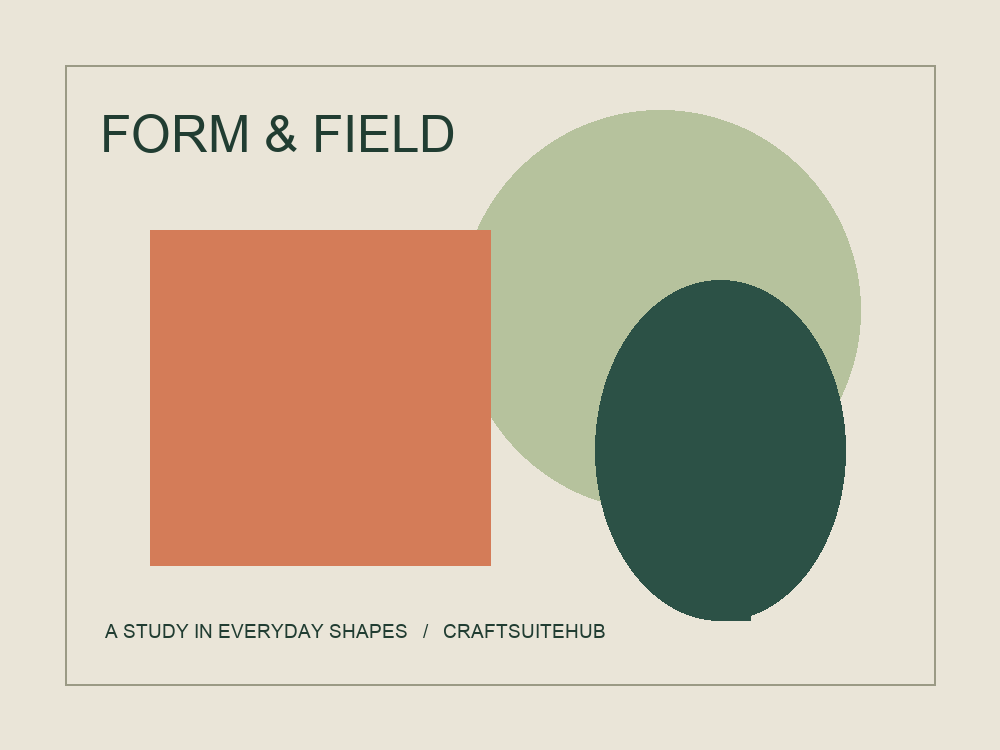
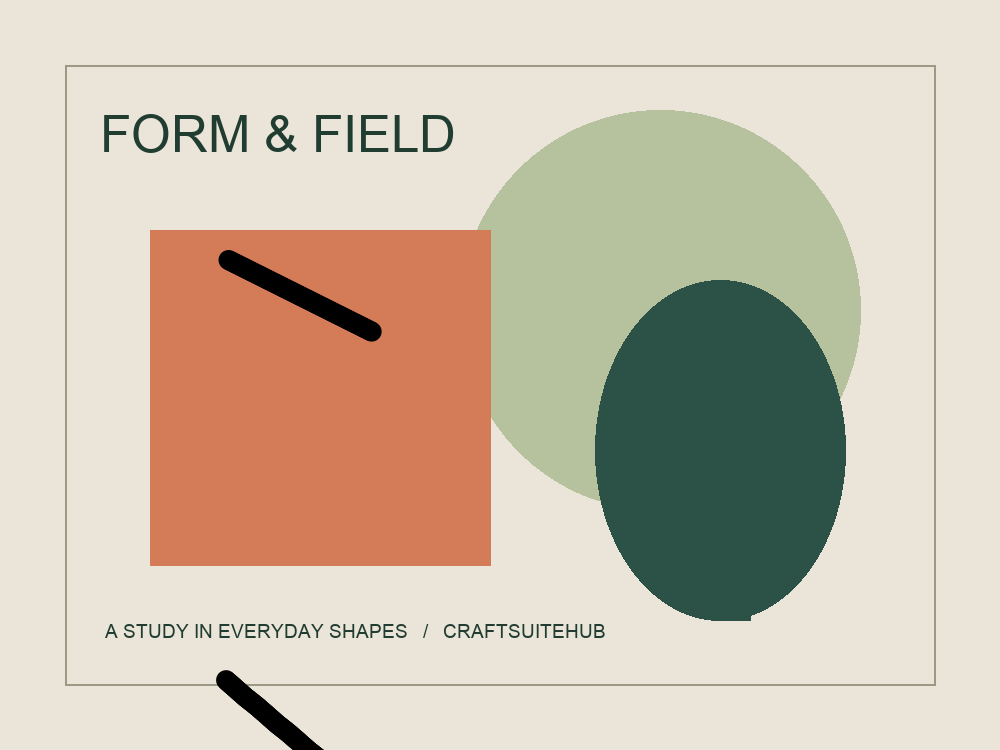
This proves a narrow image journey in that environment. It does not prove PSD fidelity, all brush tools, color-managed printing, mobile performance or compatibility with every browser. The sample is a simple generated test graphic, not evidence of professional photo retouching.
Separate the three products
- Upstream Crafting Apps: open-source projects with their own releases and maintainers.
- ArtCraft AI studio: a separate product, with its own account and service terms.
- CraftSuiteHub: our independent directory and hosted manual PhotoCraft workspace.
Our cloud Agent, automatic job history and paid credit packages are unavailable. A working manual editor does not imply that an agent can process an upload in the cloud.
A useful evaluation checklist
Choose one file typical of your actual work. Keep the original, check the opened result, try one essential edit, export, and inspect the output in your recipient's tool. Repeat with a layered or complex document only if your work requires it. Record the exact version and operating system, because a later release may behave differently.
For a quick PNG edit, try the manual workspace. For offline installation, follow the Windows download guide. For office documents, read WordCraft versus GridCraft before choosing an app.
Last checked: October 13, 2026. Official product claims and our observed tests are identified separately.